
Pirate Island
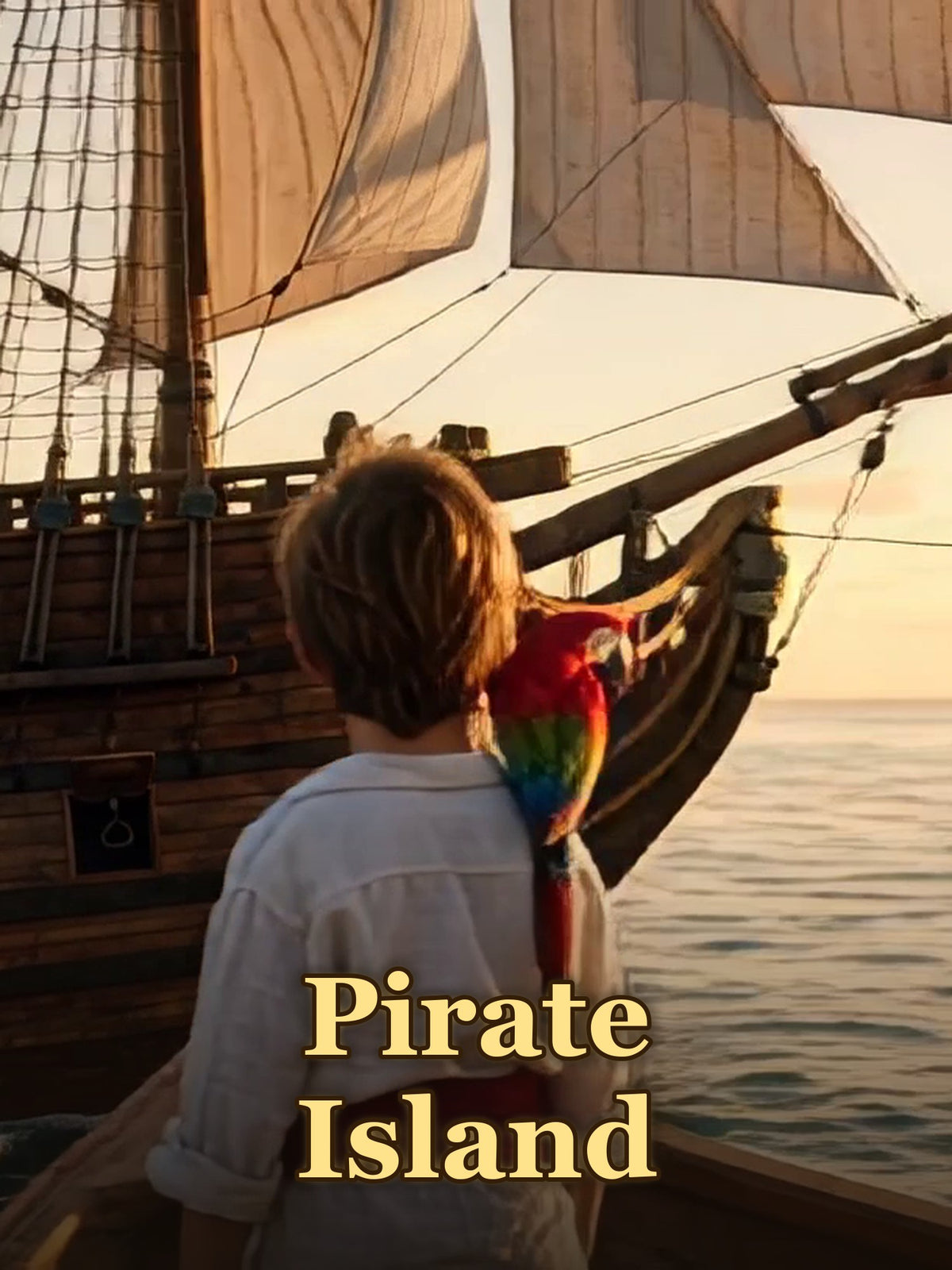
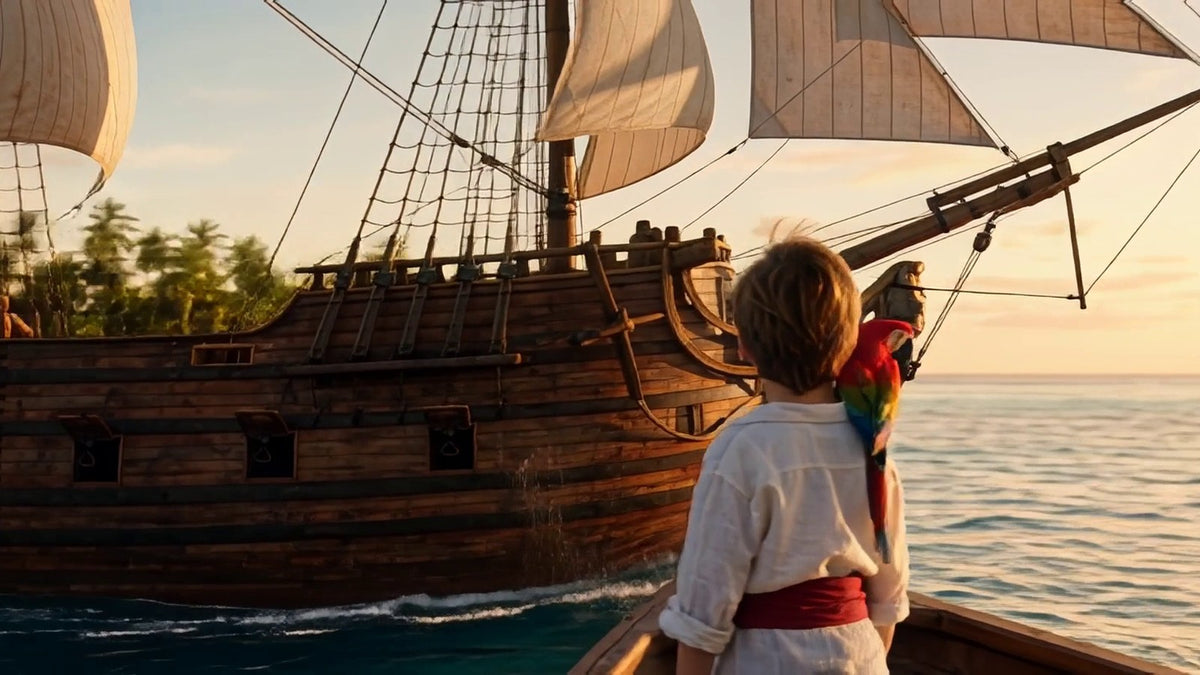
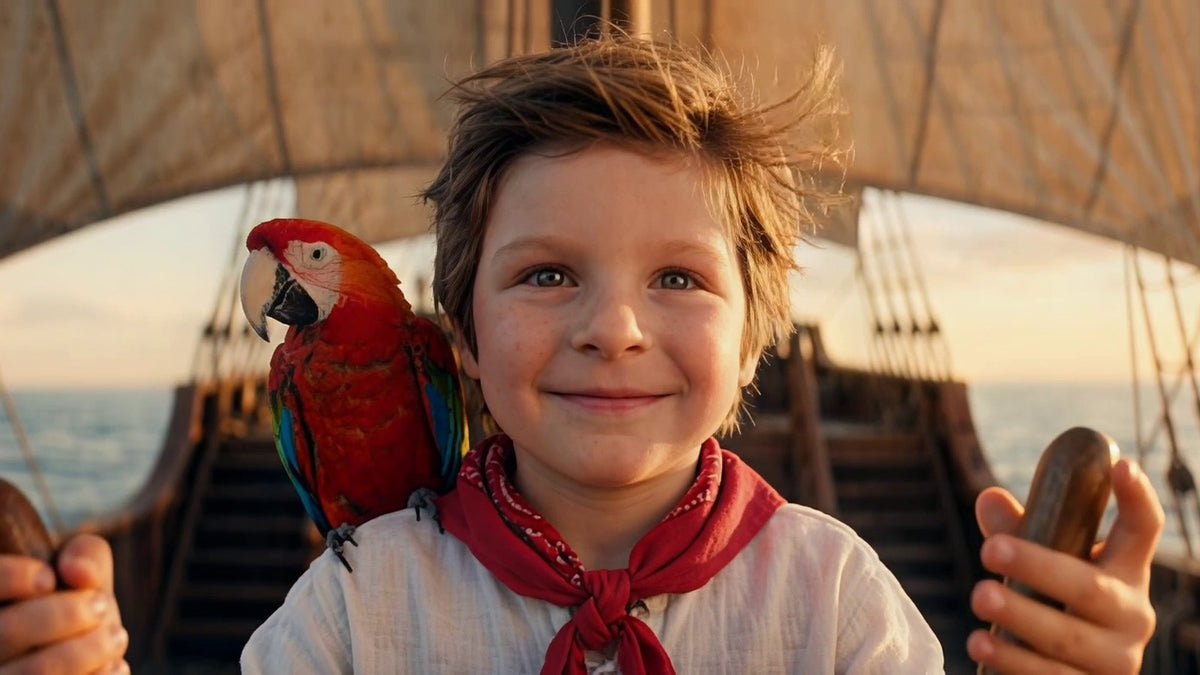
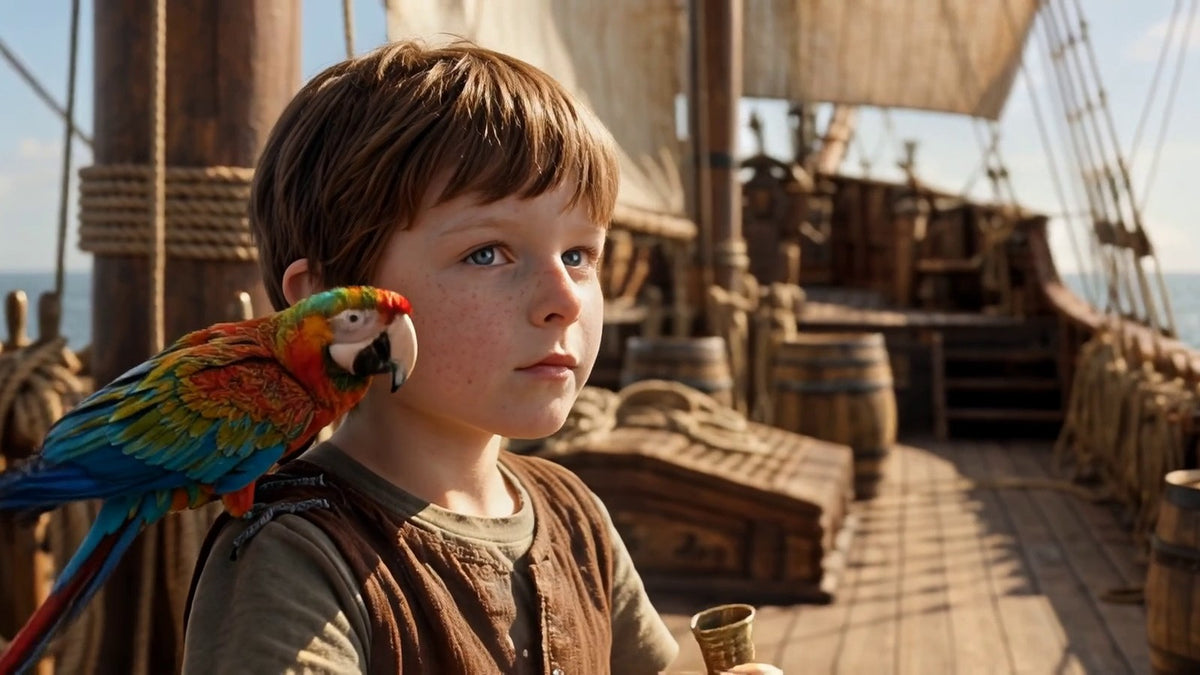
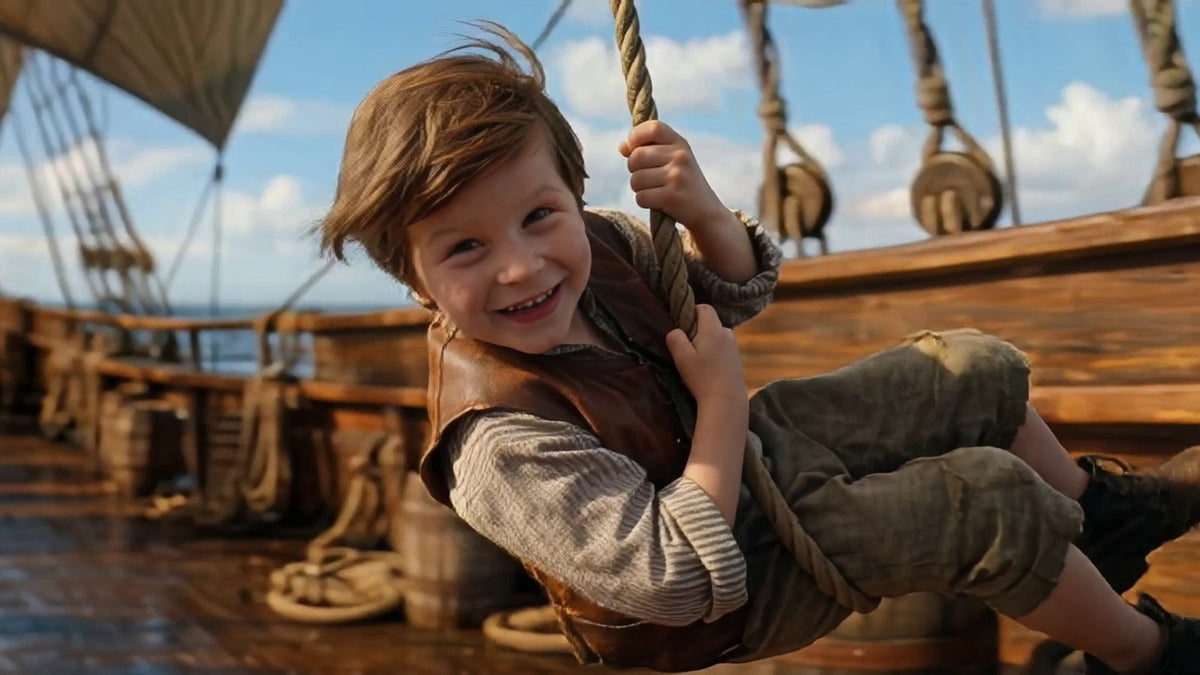
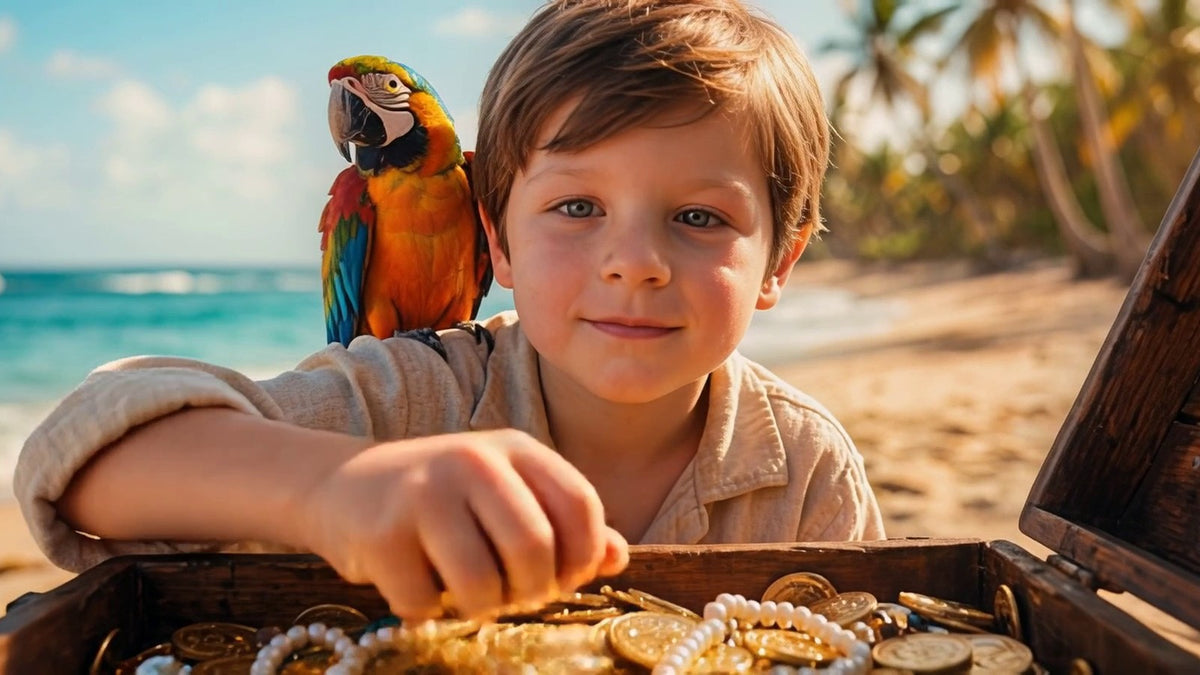
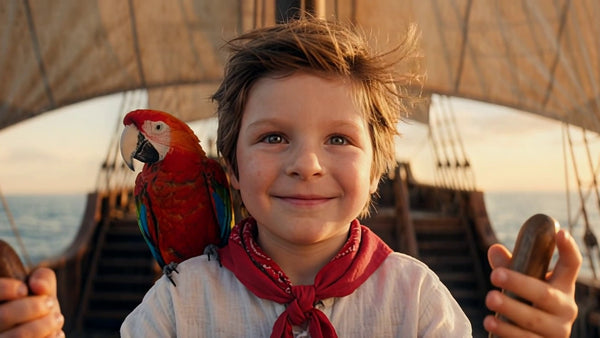
The next adventure for your little hero. A bottle washes up on the beach with half of an old treasure map inside, and your child sets sail on a big ship with white sails, with Pepper, a big red macaw who is scared of almost everything, to find the Moonshell Treasure.
Starring your child, in about 5 minutes of animated story. A gentle tale about courage, friendship and sharing, made for ages 3 to 10. Delivered by email within 24 hours, with a private link and a file to keep.
Preview free. Full movie $70 $39, only if you love it.
Toys get lost and outgrown. This one stays: a treasure-hunt story made only for your child that you’ll still be watching together years from now.
Can grandparents watch it too?
Yes. Send them the movie link from your email. They open it and press play, no app needed.
Will it play on our TV?
Yes. Your movie comes by email as a link and a video file, so there’s no disc. Most TVs can play it in one of the ways below.
Connect a laptop by HDMI cable, or try a wireless option below.
Open the TV setup guideDo I get to see it before I pay?
Yes. Add a first name and a photo, and in under a minute you see 3 scenes with your child in them. If you don’t like what you see, you simply leave. It costs nothing.
Does this movie work for girls and boys?
Yes. The hero wears a sailor’s coat, a striped scarf and a little pirate hat, and the narrator only ever uses your child’s first name.
What happens to the photo I send?
We only use it to make your preview and your movie. We never show it in ads, and your preview stays private. We keep it 30 days after delivery in case you ask for a remake, then we delete it.
Where do I find the movie after I order?
Delivered by email within 24 hours: a private link to watch it and a file to download. Save the file and it’s yours, on any screen, as often as you like.
What if it doesn’t look like my child?
Write to us and we’ll redo it for free. Still not happy? We refund you in full within 30 days.
See the pirate adventure come to life
A short look at the world your child steps into. Make a free preview next and see them as the hero.
A treasure hunt across the sea
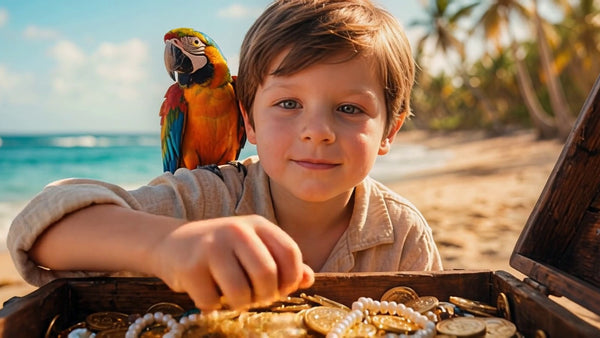
One windy morning, a bottle rolls up to your child’s feet with half of an old treasure map inside. Off they sail, across the sea and onto a hidden island, to find a treasure that only opens for a kind heart.


A story about a kind heart
Your child learns that the best treasure is the one you share.
-
Courage
Setting sail into the unknown.
-
Kindness
Sharing the treasure.
-
Friendship
Helping a scared little friend.
-
Teamwork
Finding the way together.
-
Hope
Never giving up.
Your child finds the Moonshell Treasure
One photo is enough. We put your child’s face on the hero and send them off across the sea to a hidden island. Then press play and see how long it takes them to notice. See it for free first, and only order if it really looks like them.
Free to try. You pay nothing to see your child in it.
One photo. Then movie night.
You send a photo. We make the movie. You press play.
Share one photo
A single clear photo of their face does the job.
Star them in the movie
We put your child in the film and show you 3 scenes for free, before you pay.
Press play together
Happy with the preview? Order, and the full movie is delivered by email within 24 hours.
Put it on the family TV
Tap what you have at home and follow the 3 steps.
HDMI cable from a laptop
Your computer may need an adapter.
- Run an HDMI cable from your laptop to the TV.
- Using the remote, hit Input or Source and pick that HDMI port.
- On the laptop, open the movie link from your email and press Play.
USB drive
Your TV needs to play MP4 videos from a USB drive.
- First, download the movie to a computer.
- Put the movie on a USB drive. Next, insert the drive in your TV’s USB port.
- On the TV, go to USB or Media Player, select the movie, then press Play.
iPhone or iPad
Works with Apple TV and any TV that supports AirPlay.
- Your iPhone or iPad and your TV need to share one Wi-Fi network.
- Open the movie link from your email in Safari.
- Bring up Control Center and tap Screen Mirroring. Pick your TV and start the movie.
Android phone
Works with Chromecast added to Google Home, or any TV with Google Cast built in.
- Put your phone and your TV on the same Wi-Fi network.
- Open the Google Home app. Choose your TV, then tap Cast my screen.
- On your phone, open the movie link from your email and tap Play.
Need a hand? Send us a message and we’ll help.
By email. No disc needed.